A Better Way to Digitise Hiring (Part 1 of 2)


The problem isn’t that you’re behind on technology
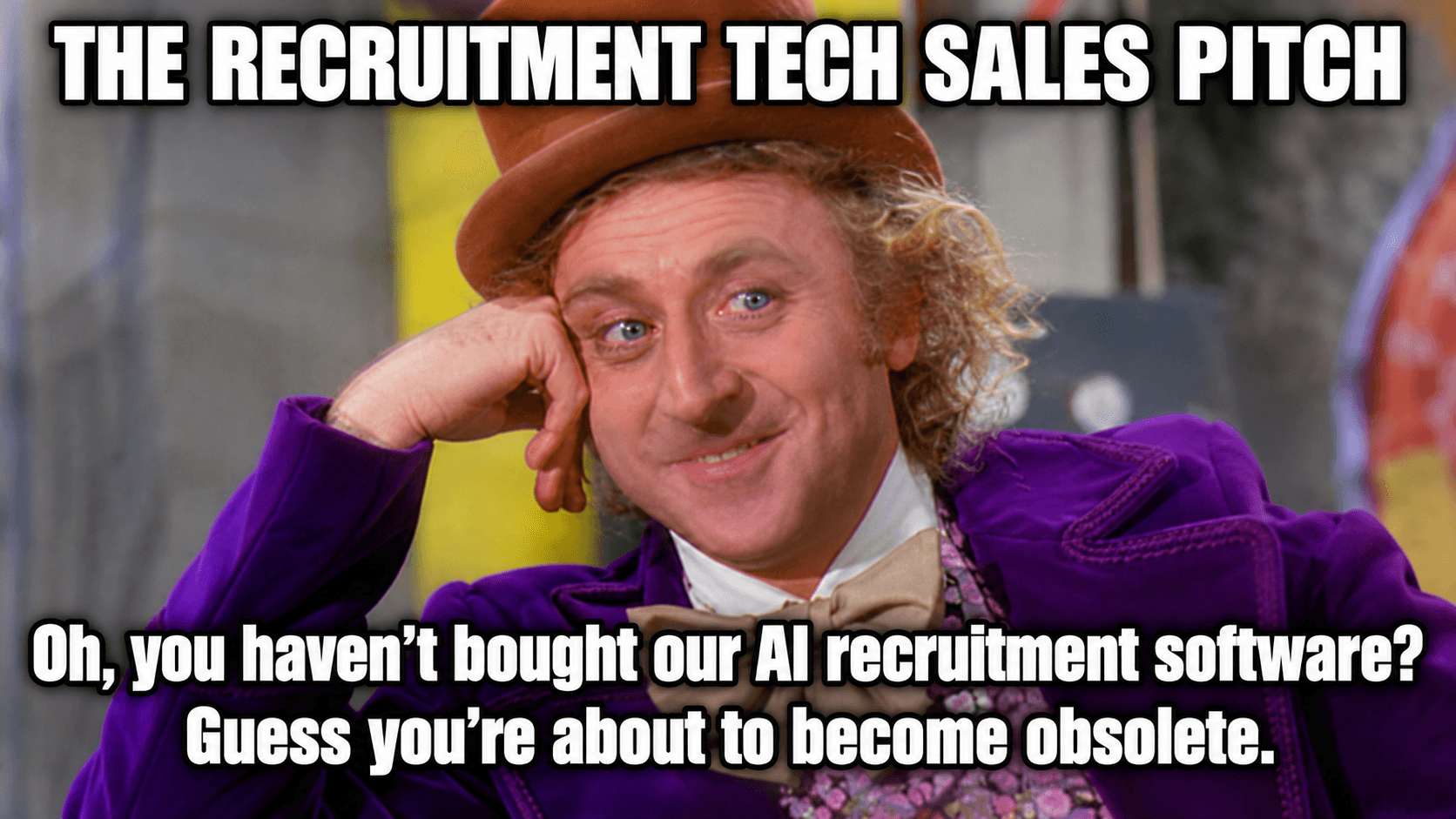
A new recruitment tool seems to launch every month. The vendors selling them will tell you that you’re falling behind or that AI is about to make you obsolete.
Some of that is true.
A lot of it is sales pressure.
As I near my third decade in agency recruitment, I wanted to share what I’ve learned about where technology actually helps hiring and where it doesn’t.
I’ve worked 360-desks, bought and sold a recruitment business, piloted several recruitment products and shaped features in others. I’ve also gone deep into RecOps and in June 2021, way before vibe coding existed, I even launched my own recruitment software.
A recruiter’s job is broad and varied. The best spend their time on higher-value activities: strategy, and relationship building. But the job is also full of repeated admin, coordination and handoffs: sourcing, screening, chasing feedback, references, signing and onboarding. Herding cats, as I like to say.
Every manual step costs time and money.
Multiply it across a year and it seriously limits your capacity to deliver if you’re an internal recruiter, or the work you can take on (and earn from) if you’re an agency recruiter.
But being busy isn’t a reason to buy the first shiny tool that promises relief. So what does a digitised hiring process actually look like and how do you make it work better without losing the human side of hiring?
A digitised process isn’t an automated process
Automating everything isn’t the goal. Some parts of recruitment should stay high touch, while others can be automated or semi-automated. For each task, decide whether to standardise it, digitise it, automate it or keep it human. It's not all or nothing; it’s a judgement call.
Take interview scheduling. A few recruiters and TA people I know have tried scheduling tools and found they didn't work properly or didn't fit the rest of their stack. If I’m on an RPO assignment handling 30 to 50 roles a month with a team of two or three, I’ll pre-book interview slots when taking the brief from the client or hiring manager, so I don’t need a scheduling tool. If I’m handling more than 50 roles a month, I’d probably use one. The point isn’t that automation is bad. It’s that you decide per task, not by default.
Digitisation is broader than automation. A digital candidate rating scorecard can give interviewers a more consistent way to record and compare feedback. It shouldn’t make the hiring decision for them.
The aim is to make sure the necessary work gets done and is easier to repeat, not to automate every step.
The process has to earn the tech
Before you digitise anything, get the process right. The principle I come back to is simple:
Process > Technology > People
And yes, in that order. People come last because that’s the order you build in, not the order of importance. Understand how work should flow, choose technology that supports it and be clear about what people need to make decisions or have conversations.
Pick a role you filled recently and trace every step from brief to signed offer. Where does a job order or requisition sit waiting? Who needs to make the decision? Which handoffs rely on someone remembering to chase? For an agency, it may be waiting for the client to review a shortlist. For an internal team, it may be waiting for feedback from a hiring manager after an interview. Either way, if nobody owns the handoff, candidates are left waiting and recruiters spend their time chasing updates.
Then make sure there’s a real standard to hire against. A generic job description isn't much help when recruiters and hiring managers are deciding whether someone will succeed.
Imagine you were writing the job description for your own role. Which of the following examples gives a clearer picture about what the work looks like?
Conduct structured interviews and complete scorecards
For every shortlisted candidate, gather two or three comparable accomplishments against the role’s key objectives and close material gaps before the next stage
The first is activity-based: it tells the recruiter what to do. The second is performance-based: it sets a standard for what they need to establish about each candidate before moving them forward.
Now think about the job descriptions you use for the roles you hire for: do they describe the work or what someone needs to achieve?
That focus on outcomes is central to Lou Adler’s performance-based hiring. First, create a performance profile that defines what someone needs to achieve in their first year. Then assess shortlisted candidates against those outcomes, looking for comparable accomplishments and following up where the evidence is missing.
If the brief is vague, the handoffs are unclear and everyone has a different idea of a great hire, putting the process into software won’t fix it. Automate a broken process and you just get the same mess faster.
Keep judgment where judgment matters
Digital tools can help gather information earlier, but recruiters still need to challenge the hiring manager on the brief, decide what to ask, explain the role properly and follow up on the answers.
For example, digital reference checks can remove the usual phone tag. But if an answer needs more detail, I still pick up the phone. The digital workflow saves time collecting the information. It doesn’t remove the need to look closely at what comes back and decide whether it tells me enough.
That also means questioning what a tool is assessing in the first place. I’m not a fan of prerecorded video interviews for white-collar roles. I don’t know a single person who enjoys doing them. They’re gimmicky and, in my view, carry a real risk of bias. They rarely test what matters: whether someone can achieve the outcomes the role requires. Making that stage easier to administer isn’t much use if it leaves the important questions unanswered.
The test is whether the technology helps you make a better-informed decision, not simply whether it gets a candidate through another stage.
If the number didn’t move, the tool didn’t work
Start with a problem you can point to. Here’s the fastest way to find one: apply for a job at your own company. Do the emails make sense? Do the links work? Can a candidate tell what happens next? You’ll learn more from those five minutes than from any audit.
Before you toss your ATS out like yesterday’s leftovers, check what the tools you already pay for can do. Is the system configured properly? Are useful features sitting unused? Would an existing integration save people from entering the same information twice? Ask your customer success manager what’s on the roadmap and whether you can beta test anything relevant. If your ATS provider has a product release page, bookmark it so you know what’s changing before you go shopping.
Once you’ve found a gap, measure what leaving it alone is costing the business. How many hours do recruiters spend chasing interview feedback? How long do candidates wait for a decision? Put a number on the problem and show it to the leadership team. Ask vendors for use cases that address it before you even book a demo. Demos don’t get budget signed off. Numbers do.
For an agency, a working technology budget is around $800 – $1,100 per recruiter per month, excluding job boards. That isn’t a reason to buy everything at once. Prioritise the problem that costs you the most and go month to month at first so you aren’t locked into a tool that stops serving you.
Bring the people who’ll use the tool into the decision before you choose it. I’ve sat on every side of this: running a desk, owning an agency’s P&L and building a software product to fix these problems. Adoption fails in exactly the same way every time: someone built or bought the thing without asking the person who’d actually have to use it.
After the change, measure the same thing again. For example, I’ve seen candidate ‘time in stage’ fall from roughly 4 days to 1. I’ve also seen roles move from brief to signed offer in 15 days instead of 30. Those numbers mean something because they were tracked. If a new tool produces no uplift, drop it. If you can’t show the number moved, you won’t get budget for the next tool either.
The Result
In my experience, when a company digitises a sound hiring process, recruiters spend less time on admin and more on higher value work; the candidate journey is clearer and faster; and business operating costs fall. The experience improves for everyone involved, not just the candidate.
If you’ve read this far, you probably recognise your recruitment workflow could use some work. But where to begin? I suggest taking some time to reflect and identify your biggest bottleneck - that’s your starting point.
In Part 2, I’ll show how Perpetual Hire, the recruitment software I built for agency recruiters and talent teams, puts this approach into practice.